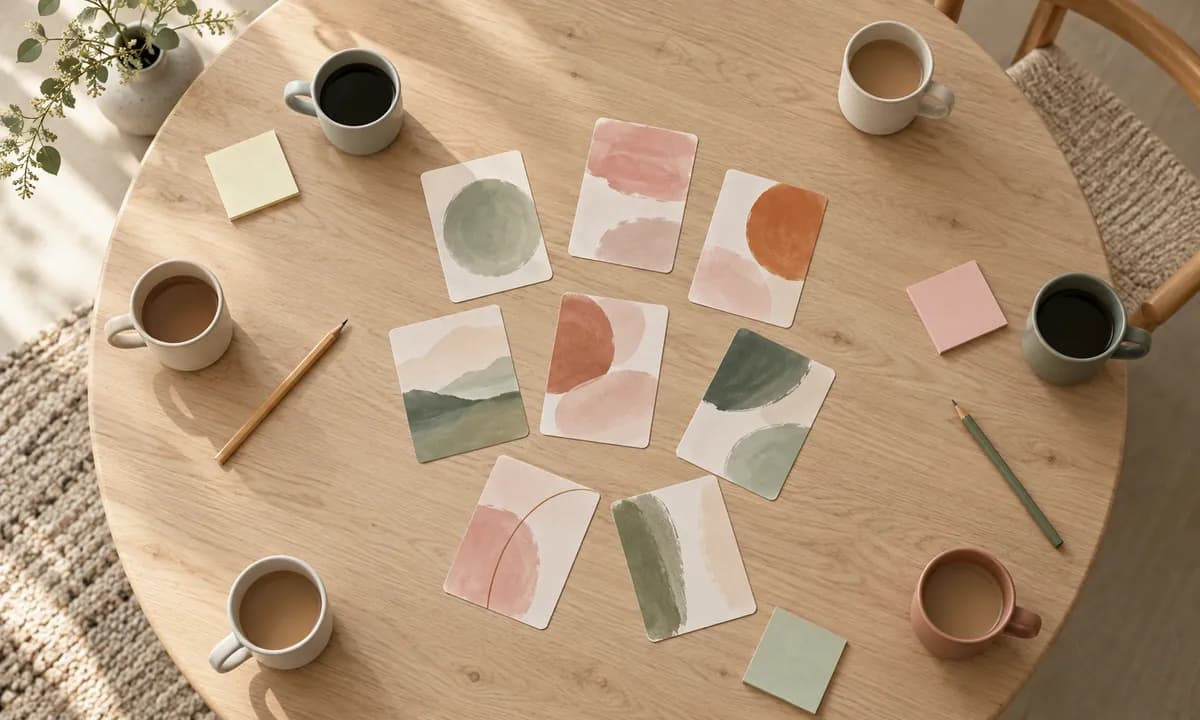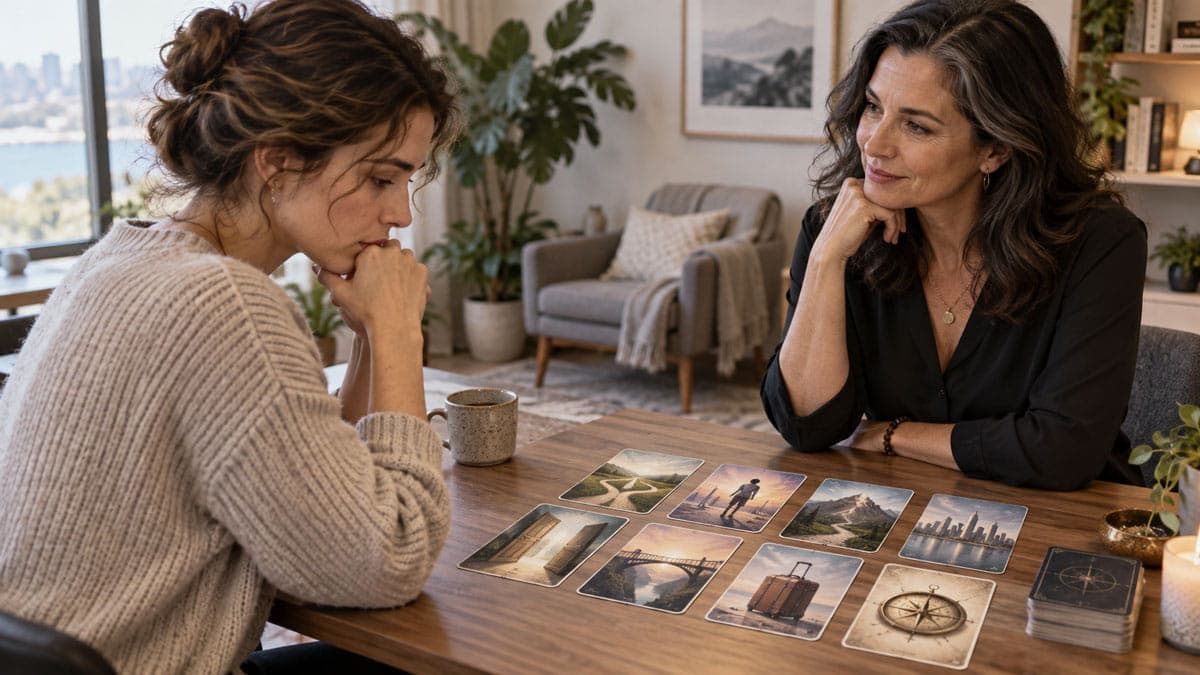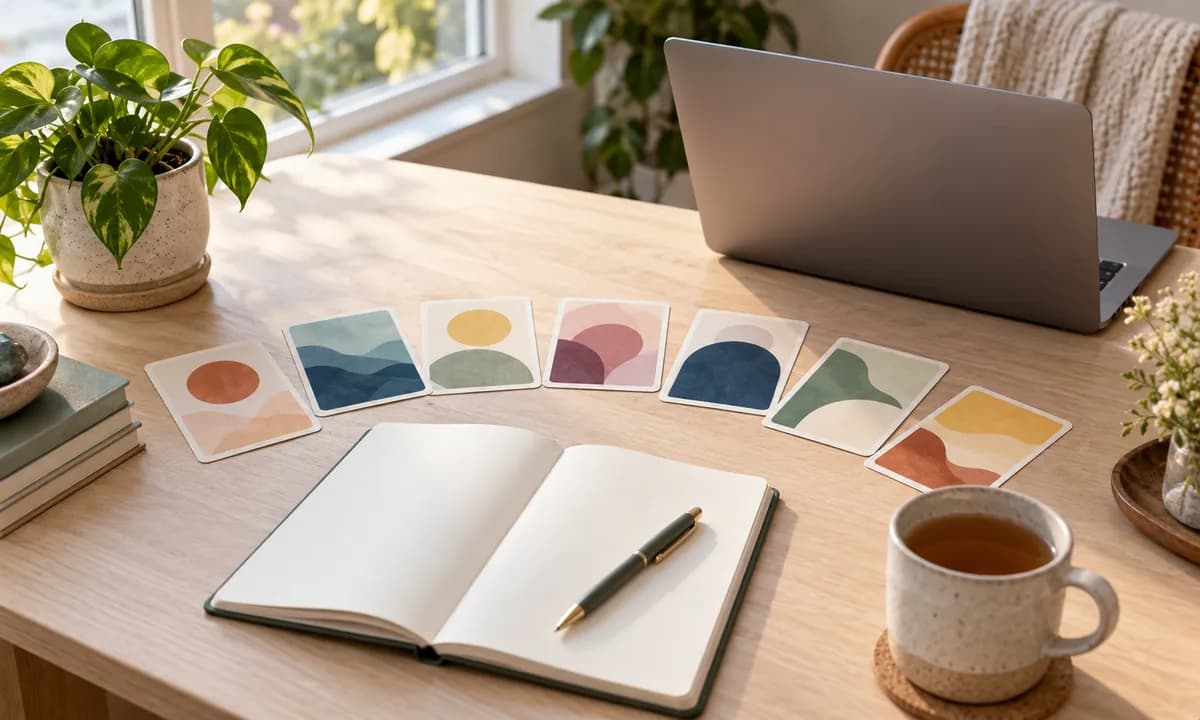
Coaching went remote faster than almost any other practice, and most of it translated fine — conversation survives a video call. What didn't survive as easily were the visual, hands-on methods: the sticky notes, the objects on a table, the cards a client sorts and arranges while thinking out loud. A lot of coaches quietly retired those tools and haven't picked them back up.
They're worth reclaiming. Here's how visual card work runs in remote coaching, and why the format matters more than you'd think.
What Gets Lost on a Video Call
Remote coaching is talk-heavy by default. Two faces in boxes, a conversation, occasionally a shared document. It works, but it flattens something: the client stops doing anything. In an in-person session they'd be moving objects, pointing, physically arranging their thinking. On video they're mostly sitting still and talking.
That's not a small loss. Externalizing — getting an internal situation out where it can be looked at — is one of the more reliable ways to shift a stuck client. And externalizing works best when the client does it with their own hands.
Why Screen-Sharing Isn't the Answer
The obvious workaround is to share your screen and move things for the client. It's better than nothing, and it's still the wrong shape. The client watches you arrange their situation, which puts you in charge of the meaning — the opposite of what coaching is for.
The same problem applies to holding physical cards up to a webcam. The client can see them, but seeing isn't choosing. The value of card work lives in I picked this one and I put it there.
What a Shared Board Changes
With a genuinely shared board, both people work on the same surface at once. The client browses, selects, places, and rearranges — you both see it happen live. Practically, a session runs like this: you open a deck, start a session, and send a link; the client joins by entering a name, with no account and nothing to install.
You can set what the client is able to do — select, move, flip, reveal — and change it as you go. In coaching this is mostly about focus rather than restriction: keeping a first exercise simple, then opening things up. The collaborative sessions page walks through how it works.
The other thing worth knowing is that layouts persist. A client's map of a decision in session two can be pulled up again in session six — and looking at what's changed is often more convincing to a client than being told they've made progress.
Exercises That Work Well Remotely
The opening check-in
A card for how they're arriving. Quick, and it surfaces the state behind "yeah, fine, busy week" — which is worth even more remotely, where you can read far less from the room.
Where I am, where I want to be
Two cards, placed apart. Then the useful question: what sits in the space between them? Add cards for the obstacles and the resources, and you have a visual map of the whole engagement.
The options spread
A card per option in a decision, laid side by side. Watching a client physically move one closer or push another to the edge often tells you more than their stated reasoning.
Values and priorities
Have the client choose several cards for what matters most, then arrange them by weight. The act of ordering forces the trade-offs that abstract conversation lets people avoid.
The obstacle and the resource
One card for what's in the way, one for a strength they could bring. Simple, and it reliably moves a client from problem-focus toward agency.
Practical Notes
- Keep video and board in separate windows. You want to see their face while they work.
- Give the link ahead of time or paste it in the chat at the start.
- Spend two minutes orienting them the first session. After that it's invisible.
- Let silence run. A client browsing cards on their own screen may go quiet. That's thinking, not a connection problem — don't fill it.
- Name what you notice. "You moved that one twice" is an observation you'd make in the room, and it still applies.
For the Sceptical Client
Executive and business clients sometimes eye card exercises warily. A brief framing settles it: the images carry no meanings, nothing is being read or predicted, and this isn't tarot or a personality assessment. They're simply a faster route to reactions that direct questions don't reach. Most sceptics engage readily once that's clear — and some become the most enthusiastic users of it.
Decks for Remote Coaching
Resources suits strengths and goal work, Doors & Thresholds fits decisions and transitions, and Where I Am Now works well for check-ins.
See how collaborative sessions work — or browse the decks.
— MindTrays Team
Try it in your browser
Open a deck, lay out a single card, and start a quiet reflection — on your own or with someone, in real time.